

PROLIM provides end-to-end CAD, Non-CAD, and PDM-to-PLM data migration services using our Diaspora platform and ETL-driven approach for fast, accurate, and secure migrations.
Data Migration Capabilities

Diaspora Data Migration
PROLIM’s proprietary cloud-based migration platform – Diaspora – supports multiple source and target systems with reusable components, a rule engine, transformation engine, and load engine. Reduces cost, risk, and time across any migration project.
- Multi-source and target system support
- Reusable rule and transformation engines – reduced development cycles
- Real-time synchronisation and large-volume data processing
CAD Data Migration
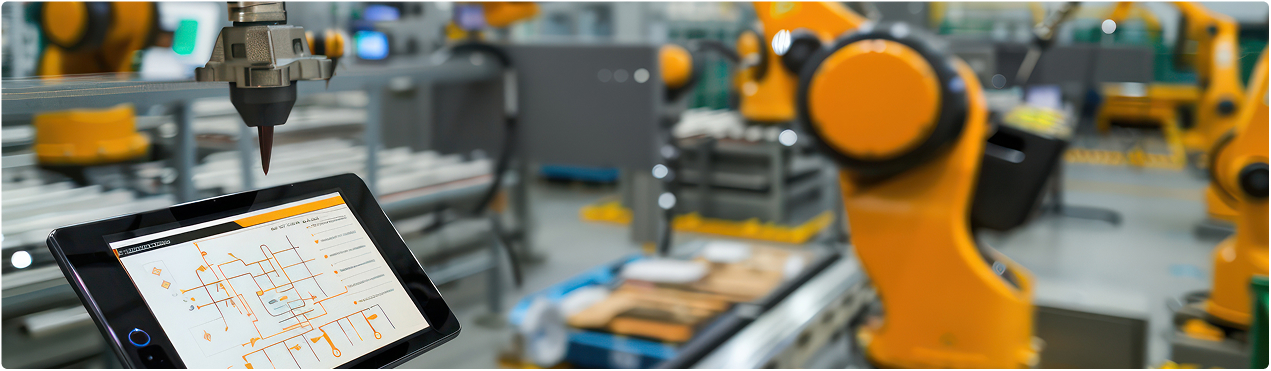
Migrate 3D models, 2D drawings, BOMs, and metadata from SolidWorks, CATIA, Creo, AutoCAD, or Inventor to NX or Solid Edge – with 100% design intent and assembly integrity preserved via ETL.
- Supports SolidWorks, CATIA, Creo, AutoCAD, Inventor – NX or Solid Edge
- Parametric constraints, design history, and metadata fully converted
- Seamless Teamcenter and PLM integration post-migration
Non-CAD Data Migration
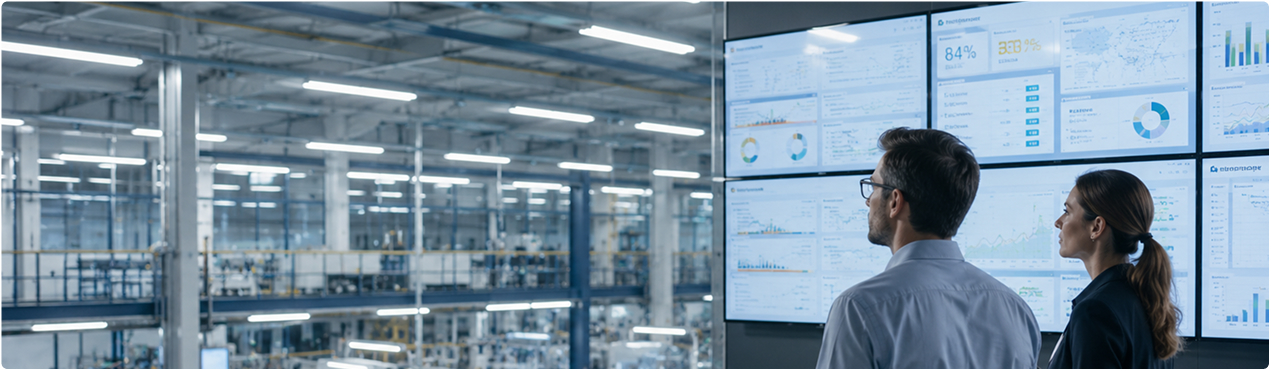
Transfer structured and unstructured business data – ERP records, documents, legacy databases, email archives, and cloud storage – to any target system with zero downtime and full compliance.
- ERP, DMS, legacy databases, BI data, and cloud storage
- Cleanse, deduplicate, and standardise during transformation
- End-to-end compliance and governance maintained throughout

PDM to PLM Data Migration
Upgrade from any PDM system to a modern PLM platform – Teamcenter or equivalent – using PROLIM’s ETL methodology. Assessment, extraction, transformation, validation, and post-migration training included.
- Eliminate data silos – centralised, governed product data in PLM
- Automated workflows, change control, and compliance built in
- Minimal downtime – full user training and post-migration support
How We Migrate

Extract
Extract CAD models, BOMs, documents, or PDM records from any source system -complete, accurate, and validated before transformation begins.

Transform
Cleanse, deduplicate, map fields, convert formats, and enrich metadata – ensuring full compatibility with the target system before a single record is loaded.

Load
Import into the target system, run integrity and validation checks, confirm assembly and relationship accuracy, and provide post-migration support.
Supported CAD Systems for Migration




Why Choose PROLIM
Diaspora Platform
Proprietary cloud migration platform - no other PLM partner has this. Faster, cheaper, and more reliable than custom-built tools.
Zero Data Loss
Multi-level validation and reconciliation at every ETL stage - 100% data integrity guaranteed.
10+ Years Expertise
Decades of PLM, CAD, and enterprise data migration experience across complex engineering environments.
Minimal Downtime
Structured migration approach with parallel validation - business operations continue throughout.
Tailored Solutions
Every migration is scoped and configured to your specific source systems, data volumes, and target requirements.
End-to-End Support
From assessment and planning through migration, validation, training, and post-go-live support - one team.
Insights
Discover trends, best practices, & expert perspectives from the world of engineering.
Mendix 11.8 – AI-Powered Planning and Conversational Low-Code Development
Mendix 11.8 – AI-Powered Planning and Conversational Low-Code Development
Read More
Dynamic Reporting Using Mendix GenAI – Transforming Business Intelligence with AI-Powered Reporting
Dynamic Reporting Using Mendix GenAI – Transforming Business Intelligence with AI-Powered Reporting
Read More
How Low-Code Solutions Accelerate Industrial Machinery Digital Transformation
How Low-Code Solutions Accelerate Industrial Machinery Digital Transformation
Read More
Elisava Racing Team Improves Electric Off-Road Motorcycle Design Using Simcenter
Elisava Racing Team Improves Electric Off-Road Motorcycle Design Using Simcenter
Read More
PROLIM Corporation Achieves Mendix Delivery Excellence Certification


